Writing professional emails is an essential skill in business, education, and daily communication. However, many people struggle with writing clear, engaging, and persuasive emails.
Today, AI tools like ChatGPT make email writing faster and easier. You can use it to generate subject lines, write email bodies, improve tone, and even create strong calls to action.
In this guide, you will learn step-by-step how to use ChatGPT to write professional emails that are clear, structured, and effective.

Why Use ChatGPT for Email Writing
Using AI for email writing helps you:
- Save time when writing repetitive emails
- Improve grammar and clarity
- Generate professional tone instantly
- Create better subject lines and CTAs
- Structure emails more effectively
Whether you are writing business emails, academic messages, or marketing communication, AI can help improve both speed and quality.
Step 1: Generate a Professional Email Subject Line
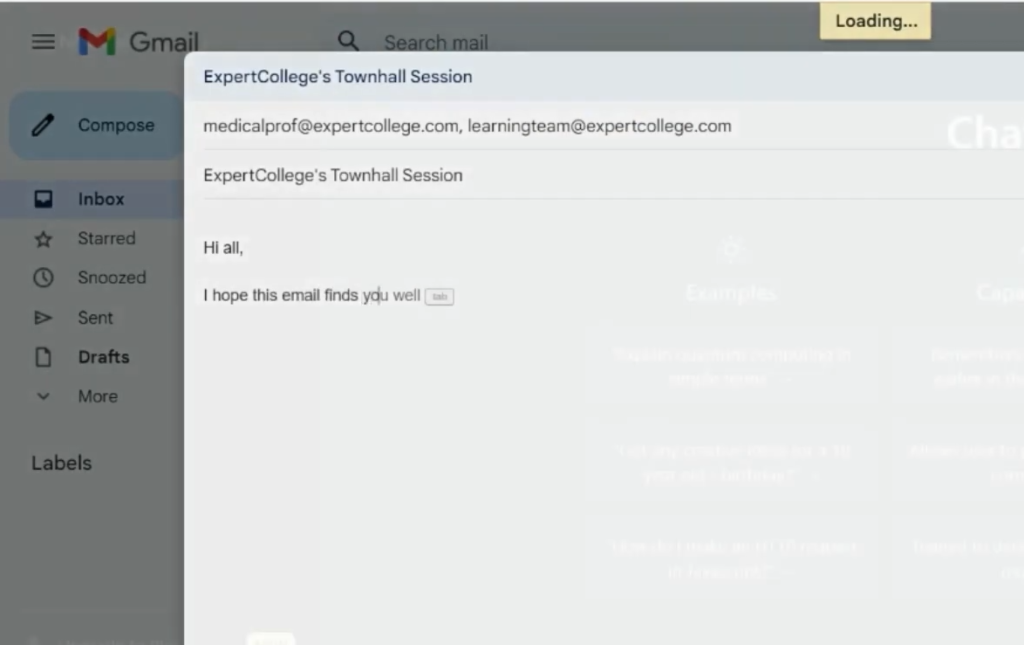
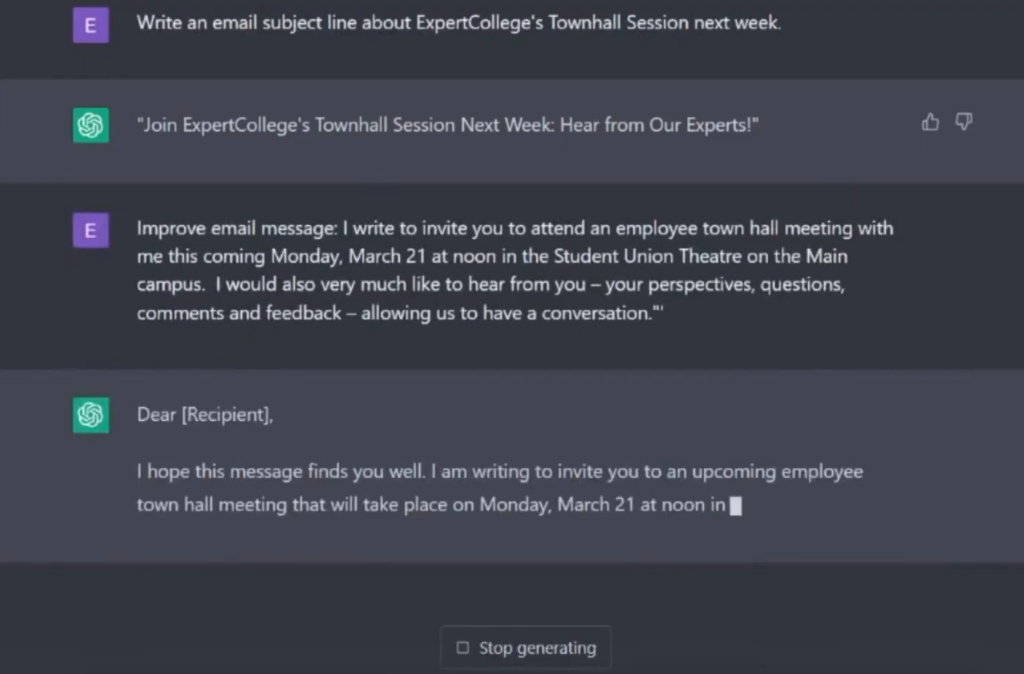
The subject line is the first thing your recipient sees. A good subject line increases open rates and engagement.
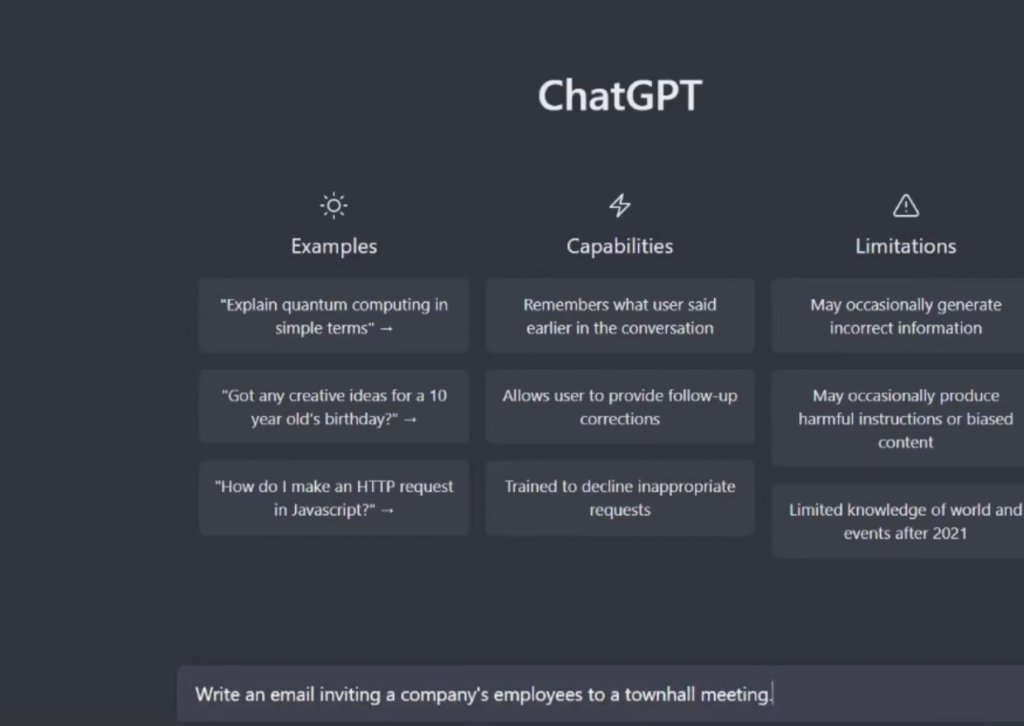
You can ask ChatGPT to generate subject lines based on your topic.
Example Prompt:
Write a professional email subject line for a university town hall meeting next week.
Example Output:
- “Join Us for the Upcoming University Town Hall Meeting Next Week”
- “Important: Invitation to Next Week’s Campus Town Hall Session”
A strong subject line should be:
- Clear
- Relevant
- Short
- Action-oriented
Step 2: Write the Email Body with ChatGPT
The email body should clearly communicate your message with proper structure.
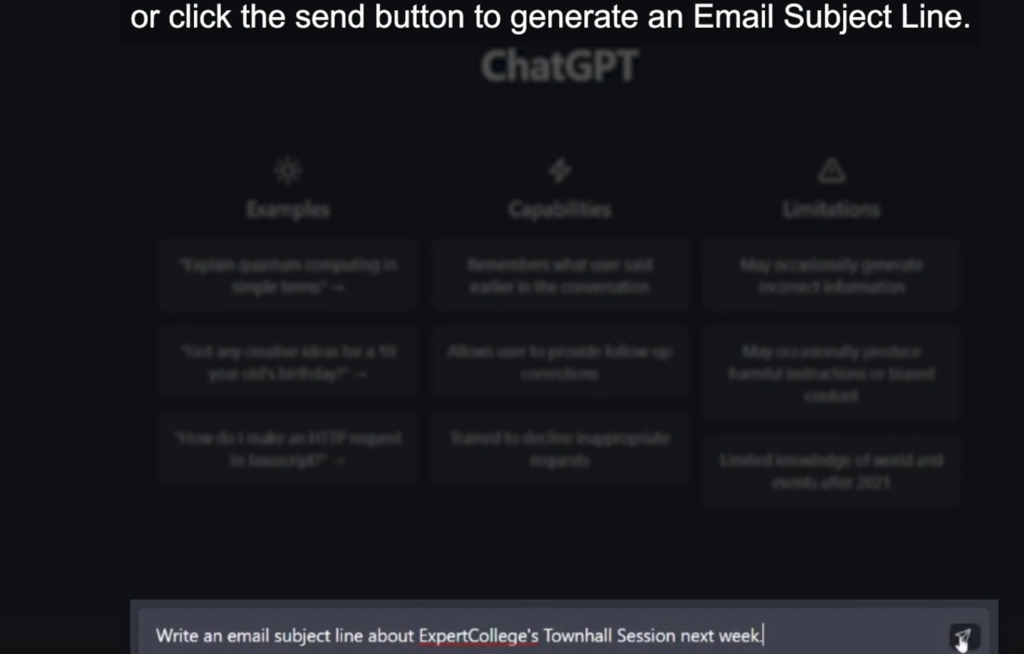
Example Prompt:
Write a professional email inviting employees to a town hall meeting on Monday at noon. Include date, time, and location.
Example Output (Improved Version):
Dear Team,
I hope this message finds you well.
You are invited to attend our upcoming town hall meeting scheduled for Monday at 12:00 PM in the Student Union Theater on the main campus.
During this session, we will discuss important updates, upcoming initiatives, and future plans for the organization.
We encourage all employees to attend and participate actively in the discussion.
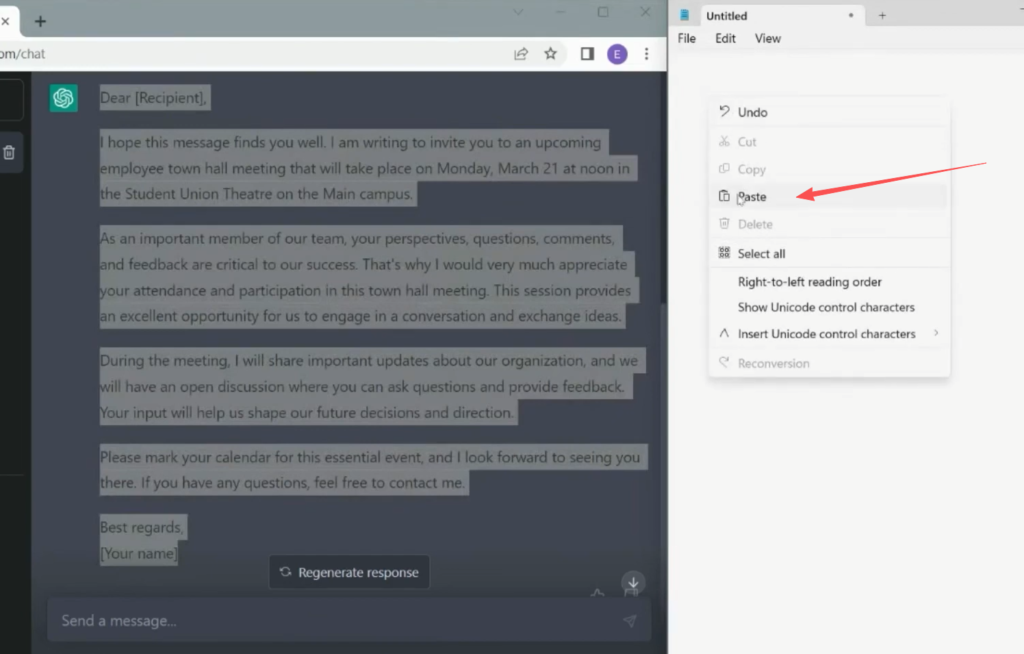
Best regards,
Management Team
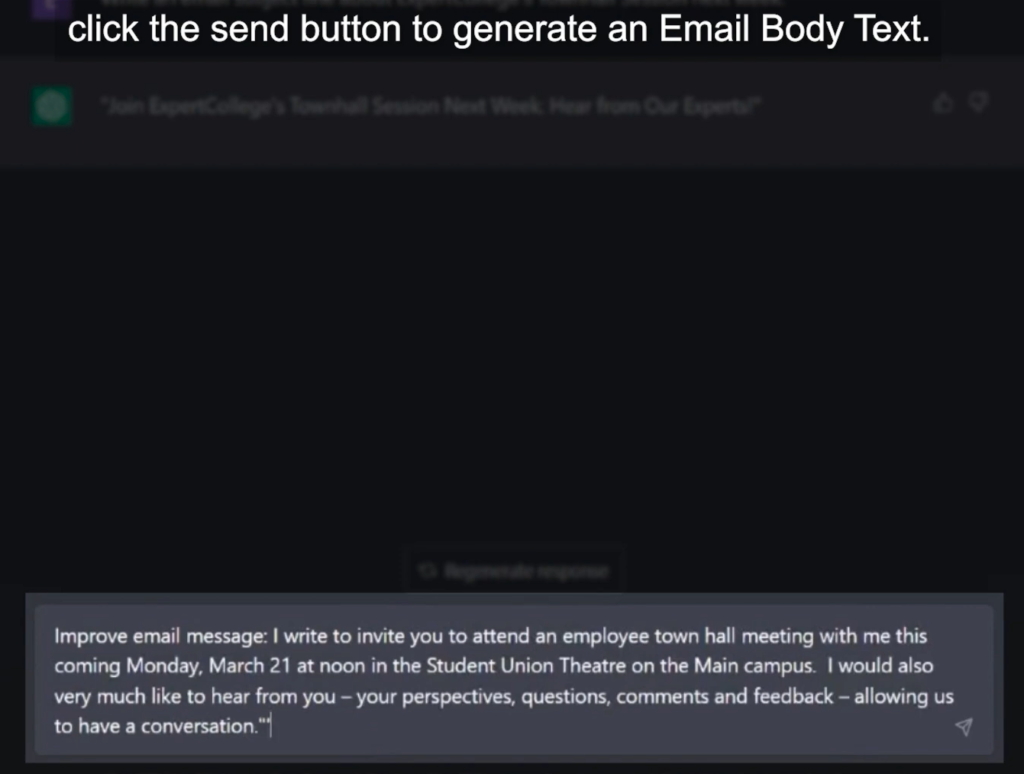
Step 3: Improve and Personalize the Email
ChatGPT can also help refine your email.
You can ask:
Improve this email to make it more professional and engaging.
You can also:
- Add personalization
- Adjust tone (formal, friendly, persuasive)
- Shorten or expand content
This step ensures your message fits your audience perfectly.
Step 4: Create a Strong Call to Action (CTA)
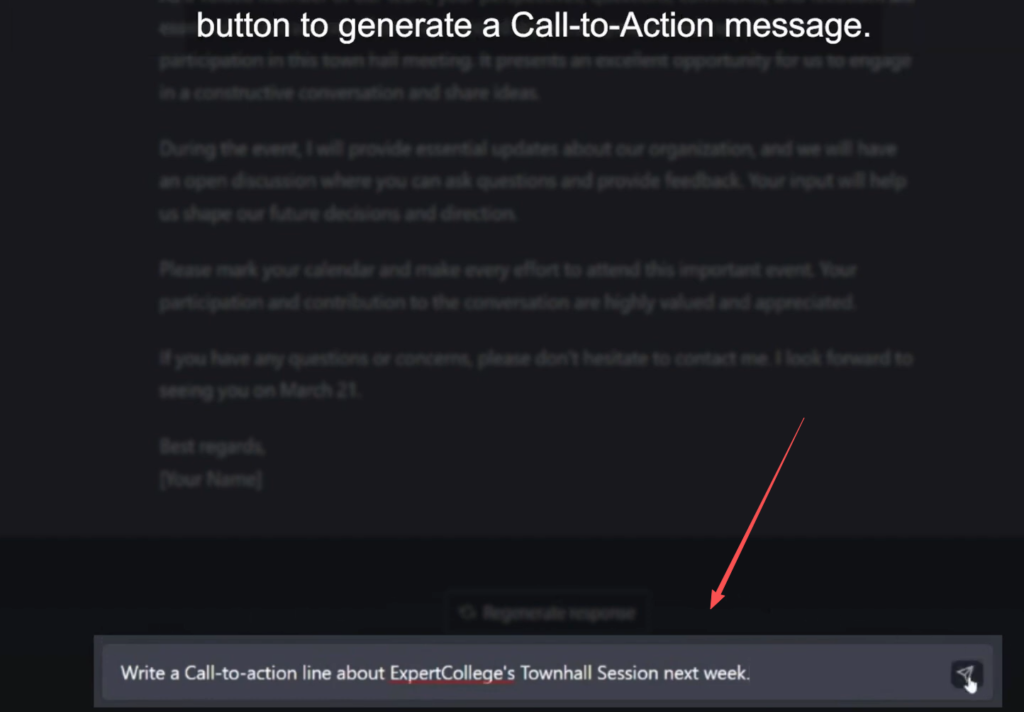
A call to action tells the reader what to do next.
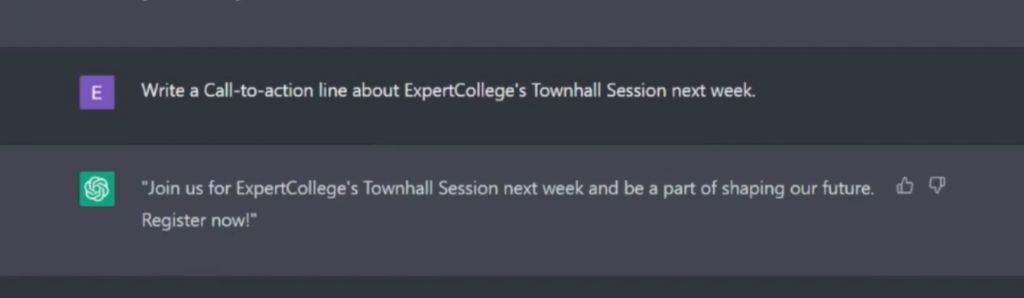
Example Prompt:
Write a call to action for a university town hall meeting email.
Example Output:
“Register now to secure your spot and be part of the discussion shaping our future.”
Other examples:
- “Click here to confirm your attendance.”
- “Reply to this email to join the session.”
- “Visit our website for more details.”
A good CTA should be:
- Clear
- Direct
- Action-focused
Step 5: Proofread and Edit with ChatGPT
Before sending your email, always proofread it.
You can use ChatGPT like this:
Proofread and improve this email for grammar, clarity, and tone.
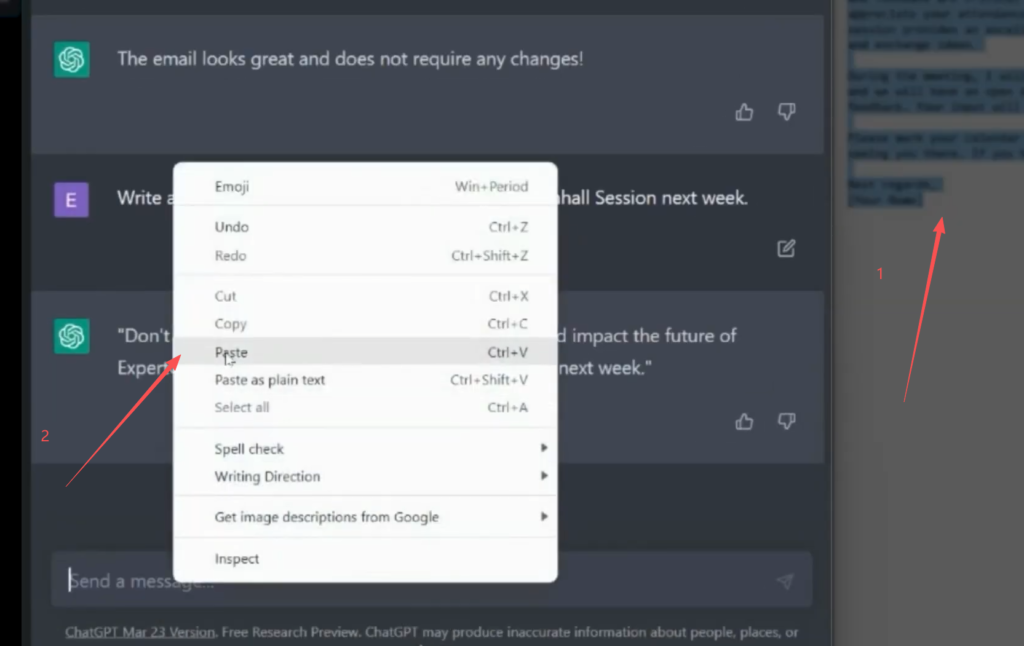
ChatGPT will help you:
- Fix grammar mistakes
- Improve sentence structure
- Enhance readability
- Make tone more professional
Step 6: Final Review Before Sending
Before sending your email, always:
- Check names and dates
- Replace placeholders
- Ensure tone is appropriate
- Verify attachments or links
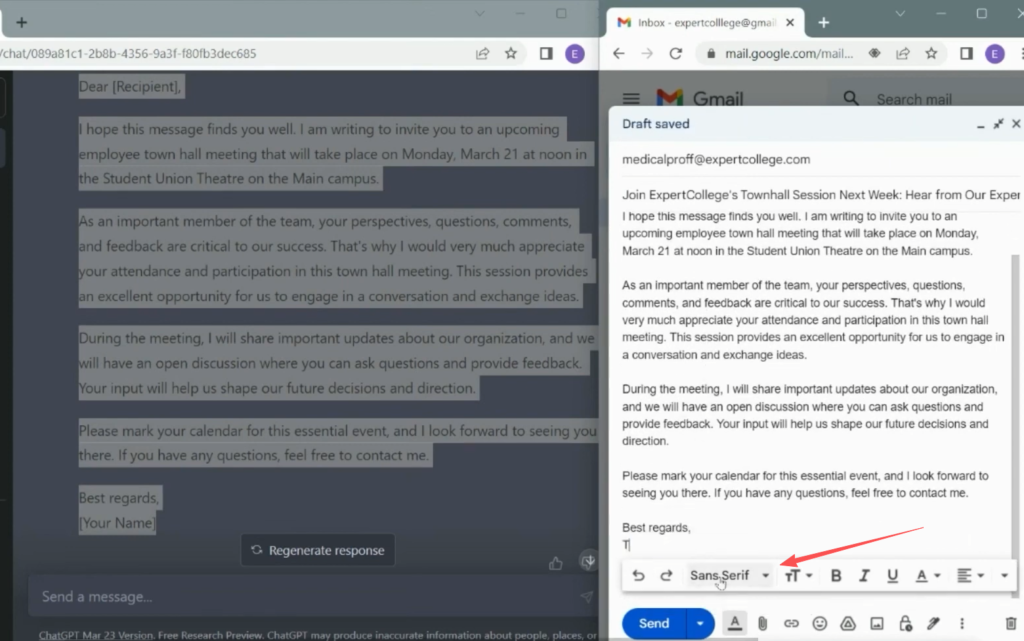
This final step ensures your email is error-free and professional.
Best Practices for Writing Emails with ChatGPT
To get better results, follow these tips:
- Always provide clear context in prompts
- Specify tone (formal, friendly, sales)
- Include audience details
- Refine outputs instead of using raw text
- Combine AI output with human editing
Common Mistakes to Avoid
- Using AI output without editing
- Writing overly long emails
- Missing clear CTA
- Using generic subject lines
- Not customizing tone for audience
Conclusion
Using ChatGPT for email writing can significantly improve your productivity and communication quality.
By following the steps in this guide, you can create professional emails with better structure, clearer messaging, and stronger engagement.
With practice, AI becomes a powerful assistant that helps you write emails faster and more effectively.